Myrddin's Global Bulletin Board, v4.0.6
[ return to Myrddin's MUSH Code Page ]
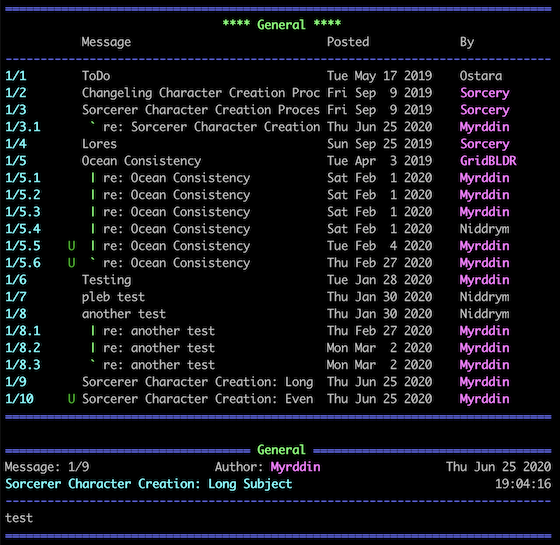
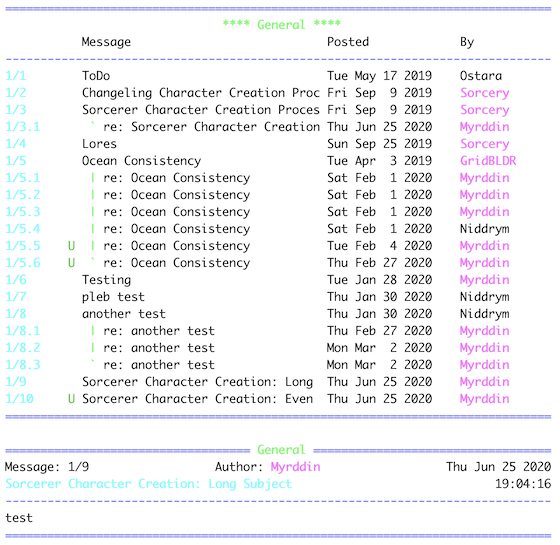
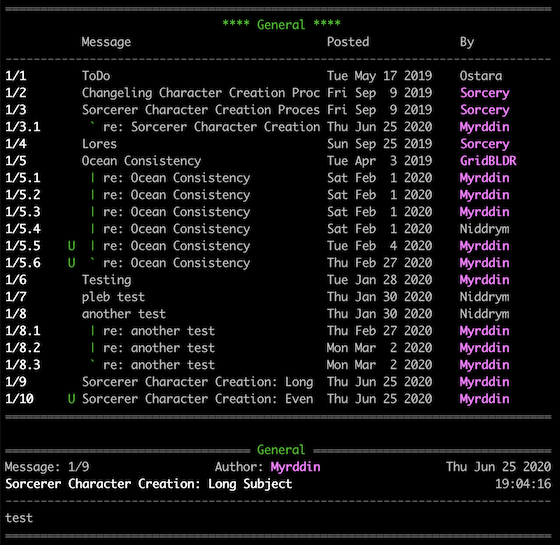
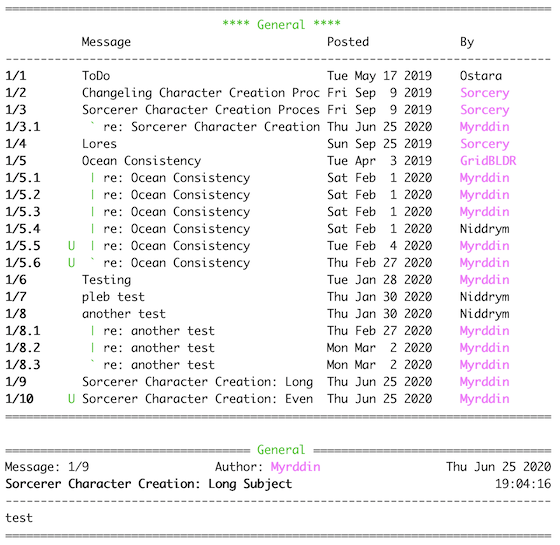
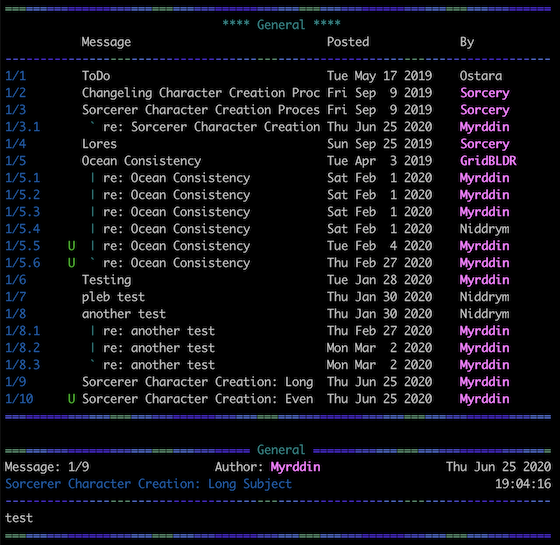
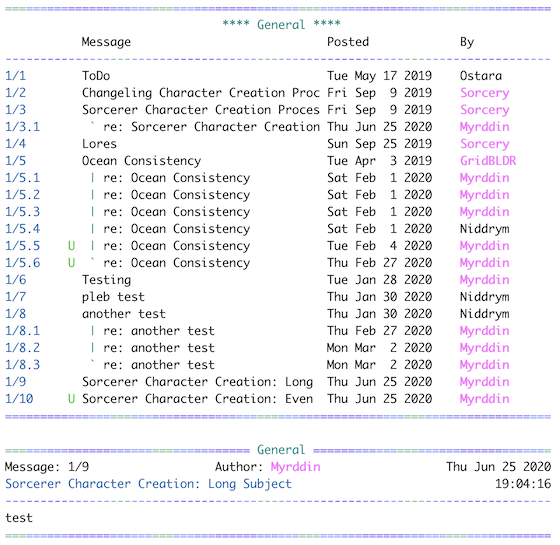
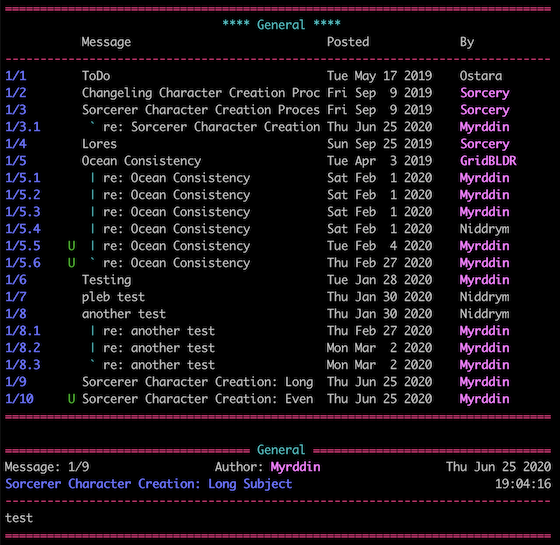
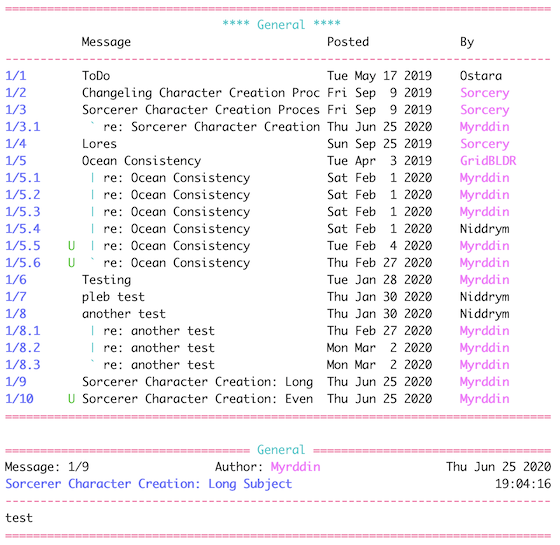
By far, the most widely used piece of code I've written. This is a global, multi-threaded, rich featured, easy to use bulletin board. Keeps track of unread messages, supports subscribing/unsubscribing, allows for very quick scanning of boards for unread messages, you can split your post as you're writing it, etc, etc. Originally written for TinyMUSH, it also installs and runs cleanly on TinyMUX and PennMUSH. Peruse the following links for more information.
Important! It's always important to stay up to date with the latest
version of the bulletin board. 4.0.6 has a serious security fix you'll
want.
(Still running a 3.x bulletin board? Click here first.)
Feedback from PennMUSH users has been small, but what feedback I have received has been somewhat informative. The 4.0.4 and later versions should run better on PennMUSH's now... let me know what your experiences are. In order for the BBS to work correctly on PennMUSH, the power() function needs to be enabled. Future versions won't have that restriction.
If you're installing a brand new BBS, see the Installation section.
If you're upgrading an existing 4.0.x board to the latest version, see the Patches section.
OR you can try the Web Based Installer!
No need to cut-n-paste, ftp, download, /quote, or anything. Just fill out the form, let it know if you want a new BBS or if you want to patch an existing 4.0.x, hit the 'Install' button, and you're done!
Installation
- README - Last modified:
Sat, Jun 03 2000, 4:54:34 pm
The obligatory 'readme' file. This will detail the major features of the board, recent changes, etc.
- BB v4.0.6 - The MUSH source code/installer. Typically, you would use tinyfugue to /quote this file to your MUSH.
Help Files (no installer for these, sorry. :-)
- Ascii Help Files - Help files for the 4.0.6 BB. Use these if you have a hard coded, indexed +help. They are straight ascii and are good for sucking straight into your .txt file.
- MUSH Help Files - Same files as above, but formatted for MUSH output (ie. imbedded [space()]'s, %r's, etc). Use these if you have a soft coded +help.
OR you can just grab the tar file - the whole kit-n-kaboodle in one gzipped tar file.
Patches
Look here for quick-n-easy upgrades (see the README for details on changes). These patches can only be applied to the stated versions. Make sure you read the top of the patch file before installing.
Important! Don't skip patches. If you're running 4.0.0 and you want to upgrade to 4.0.3, make sure you apply the 4.0.1 patch first, then the 4.0.2 patch, then the 4.0.3 patch.
- 4.0.1 - Apply this to your version 4.0.0 bb. A couple of bug fixes.
- 4.0.2 - Apply this to your version 4.0.1 bb. A bug fix.
- 4.0.3 - Apply this to your version 4.0.2 bb. Some important bug fixes.
- 4.0.4 - Apply this to your version 4.0.3 bb. Some important bug fixes and a couple of highly requested feature modifications. Also, some changes to get the board to work better on PennMUSH.
- 4.0.5 - Apply this to your version 4.0.4 bb. An improved bbscan and some misc bug fixes.
- 4.0.6 - Apply this to your version 4.0.5 bb. Major security fix and a couple of minor tweaks.
If you're currently using a 3.x BBS...
As of version 4.0.4, I'm no longer providing a direct upgrade from 3.0. If you're still running a 3.x board and want to upgrade to the most recent version, you
have two options:
- Install a brand new 4.0.6 board (highly recommended)
- Use the 'upgrader' to upgrade from 3.x to 4.0.3, and then apply the patch to get you up to 4.0.6. Patching from 4.0.3 to 4.0.4 to 4.0.5, etc is quick, easy, and safe. The 'upgrader' that modifies an existing 3.x board seems to not always work quite right. Use with caution.
If you're sure you want to use the upgrader, here it is.
Once you've run the upgrader, if everything seems to be running ok, then go to the patches section and patch your way up to the most recent version.
[ Top ]
Oops! - Fixes
(This section is being kept here on the off chance that there are still some users out there that downloaded one of the original 4.0.x boards and haven't since applied one of these necessary fixes or patched up to a newer version. Anyone running 4.0.2 or newer shouldn't even have to look in this section)
The difference between a patch and a 'fix' is that a patch is actual change to the BB code itself: a modification in functionality, fixing a bug in the BB code, etc. A 'fix' is required if the Installer/Updater that you used was buggy and improperly installed the BB system. By the time a fix is posted here it's already been incorporated into any code you grab from above. If you see a fix here that wasn't here when you grabbed the code, and you seem to be suffering from the listed symptoms, grab it and apply it. Again, make sure you read the top of the file before applying the fix.
- TinyMUSH setr() fix for 4.0.0 - If you installed v4.0.0 onto TinyMUSH before this Oops! message was here, and it suddenly stopped working, you'll most likely need to grab this fix and apply it to your bbs. Make sure you read the top of the file before uploading it to your MUSH. This fix is only meaningful to v4.0.0... if you're running v4.0.1 or later, you won't need it as it's already been incorporated into the code.
- Timeout/Unread fix for 4.0.2 - If you updated from a v3.x board to v4.0.2 before this fix was here, and your messages remain unread after reading them and all messages seem to have the timeout warning, you should grab this fix and apply it to your board. If you installed v4.0.2 from scratch, or if your messages timeouts and unread status are behaving properly, there's no need for this fix.
[ Top ]